
Tech Documents
How to Generate Certificate Signing Request on Website Pro 3.x
This article will go into detail on how to generate certificate signing request on Website Pro 3.x
- Open Website Server Properties and select Key Ring
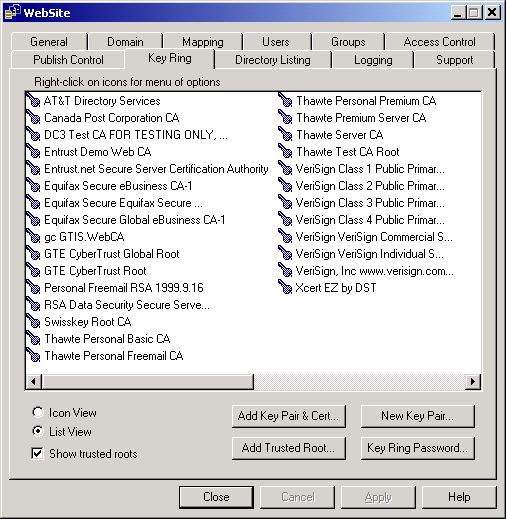
- Select New Key Pair and follow the wizard:
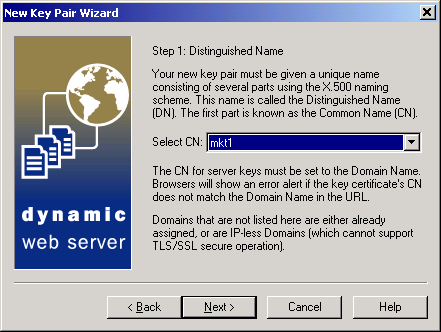
- Ensure all the details you enter are correct.
- When you have completed the wizard select Done, do not select the box to choose a Certification Authority.
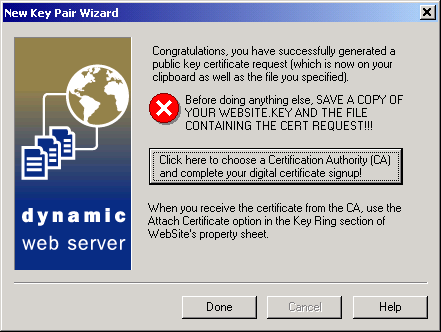
- When enrolling for a Certificate locate the CSR file and copy/paste the Certificate Request text into the CSR box. Complete the online enrollment process