


Common Mark Certificates (CMCs) Datasheet Go to Common Mark Certificates (CMCs) Datasheet
Email is crowded and risky. Sectigo Common Mark Certificates (CMCs) help startups show their logo, build trust, and boost engagement no trademark needed.
Mark certificates allow organizations to display their brand logo in supported email clients, giving recipients a clear way to identify legitimate messages and recognize your brand. This strengthens brand identity, improves inbox visibility, and builds trust with every send.
Sectigo offers two types of mark certificates: Verified Mark Certificates (VMCs) and Common Mark Certificates (CMCs). Both support BIMI (Brand Indicators for Message Identification) and require DMARC (Domain-based Message Authentication, Reporting & Conformance) enforcement. These certificates improve email security, deliverability, and brand protection by providing visual authentication that helps reduce the risk of phishing and spoofing attacks.
Selecting the correct mark certificate depends on your verification needs and trademark status. Both of our solutions meet high security standards and deliver consistent brand recognition.
Mark certificates deliver the core benefit of brand recognition, with studies showing that displaying logos in inboxes can increase open rates by 21%, improve brand recall by 18%, and boost purchase likelihood by 34%.
| Boost brand visibility in inboxes | Prominently display your brand's verified logo in recipients' inboxes. This helps your brand stand out and maintain a consistent, recognizable presence while confirming message legitimacy. | |
|---|---|---|
| Protect against phishing and spoofing | Safeguard email recipients against common attacks such as phishing and spoofing. Mark certificates work with DMARC authentication to prevent attackers from impersonating your domain. Recipients can more easily identify legitimate emails and avoid those without verified logos. | |
| Compatible with BIMI-supported clients | CMCs are recognized by major email providers like Gmail and Yahoo, offering seamless compatibility across platforms that support BIMI logo display. |
| Increase open rates and engagement | Brand recognition and credibility give recipients confidence to open your emails. Mark certificates help messages stand out, supporting higher open rates, stronger engagement, and improved customer loyalty over time. |
|---|---|
| BIMI compliance | Mark certificates support compliance with the BIMI standard by aligning with SPF, DKIM, and DMARC. These standards ensure that only verified senders display brand logos within email inboxes. |
| Support for all business sizes | Mark certificates offer flexible verification options. Whether or not your organization has a registered trademark, they provide logo validation and a way to display your brand in inboxes. |
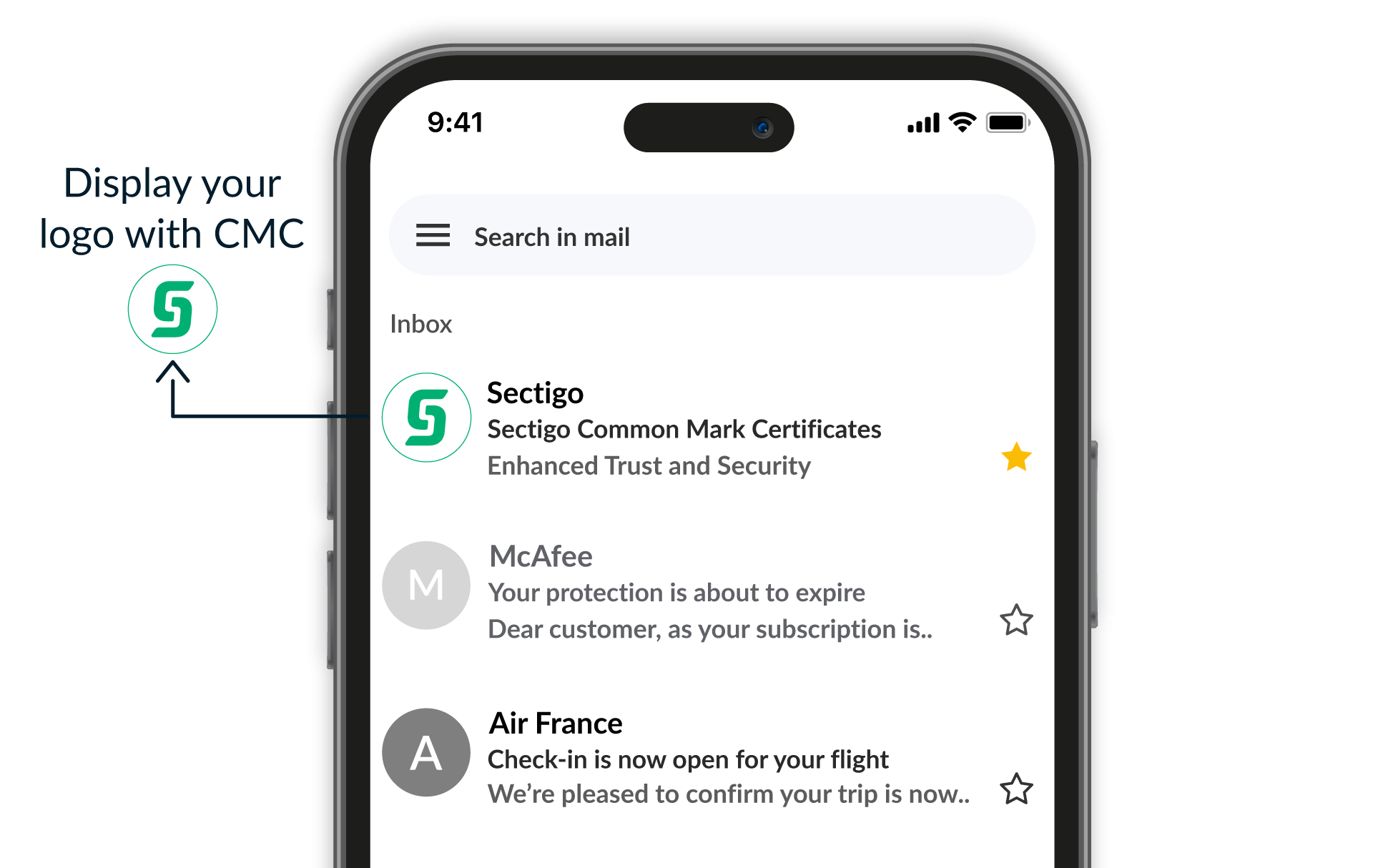
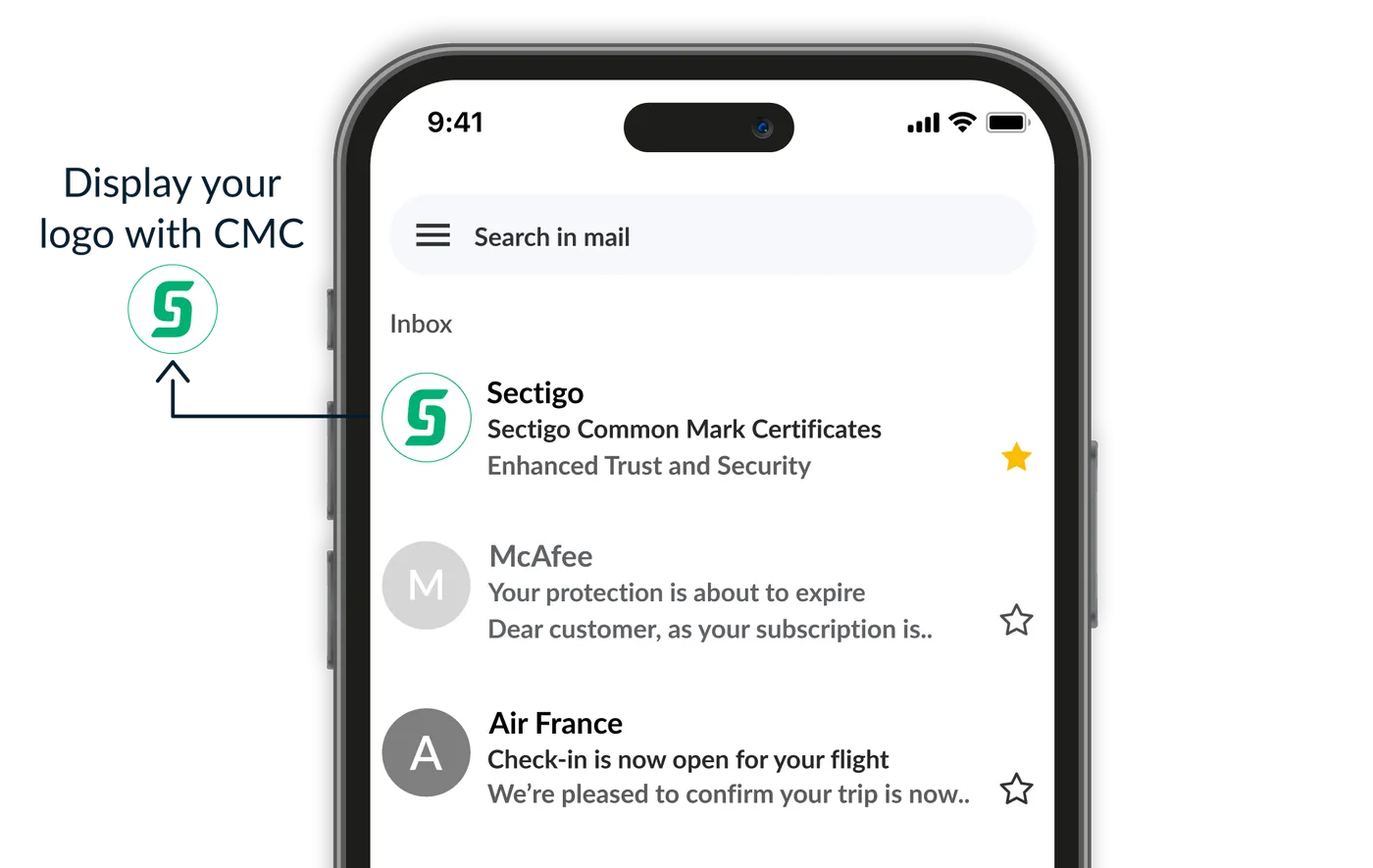
Common Mark Certificates do not require registered trademarks, but do require a logo that’s been in public use for 12+ months. This is a faster, more affordable option for getting your logo displayed in email inboxes. They leverage basic BIMI standards, and require proper DMARC, SPF, and DKIM configurations.
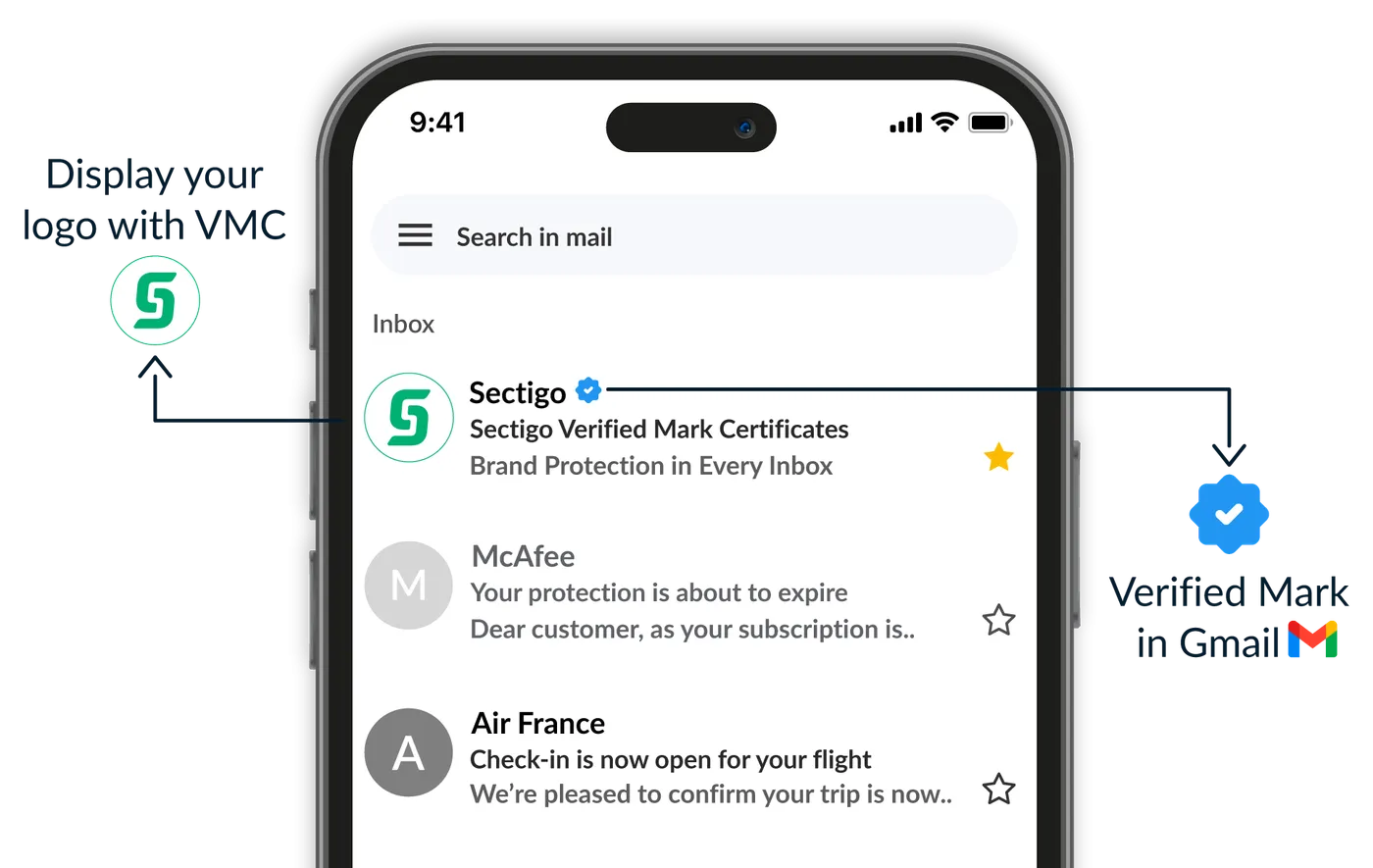
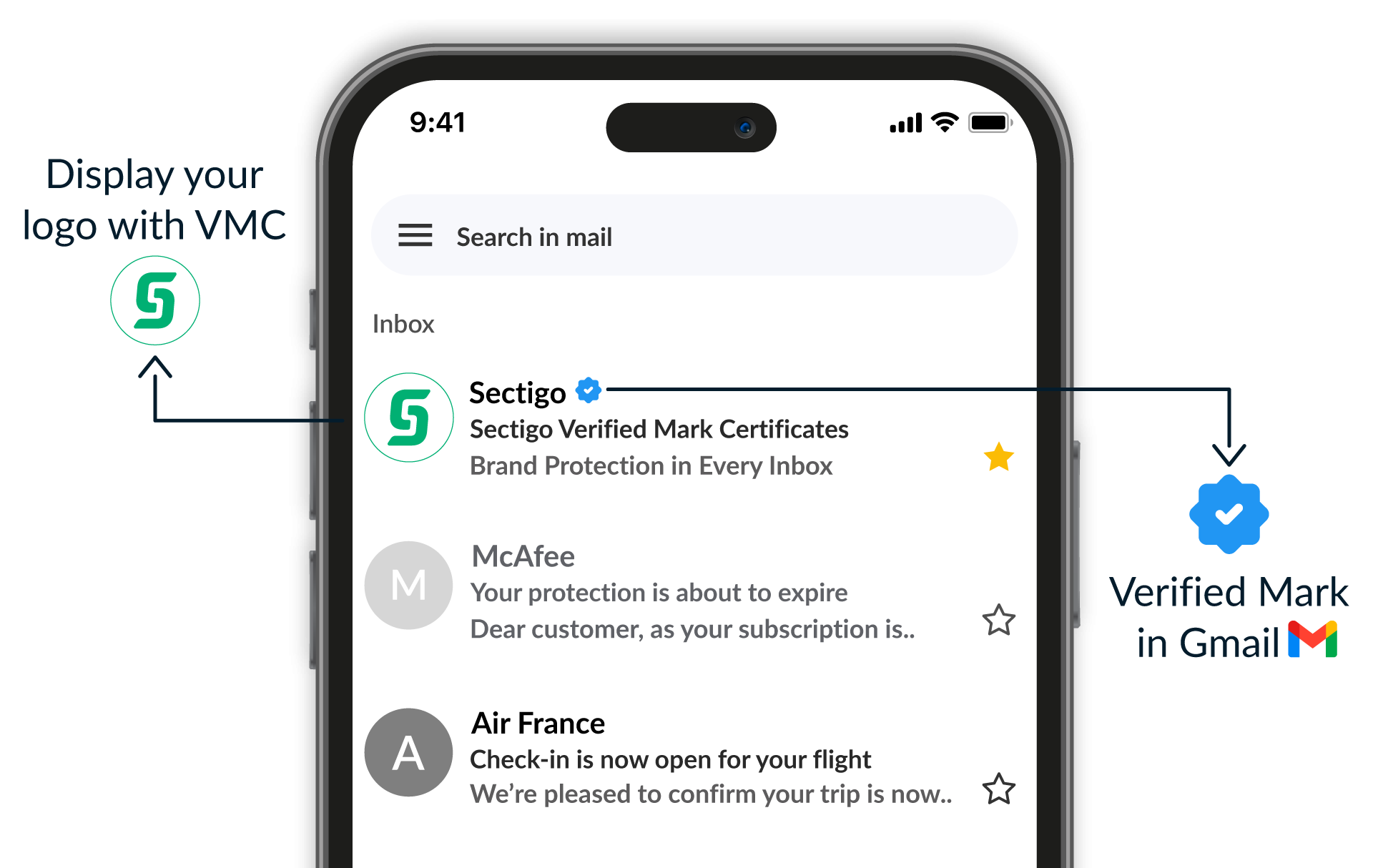
Verified Mark Certificates require legally registered trademarks and then display those trademarked logos within email inboxes. These high-trust certificates enable the Gmail blue checkmark, providing a clear signal of email authenticity. Many businesses favor VMCs, but these are especially compelling to recognizable brands within highly regulated sectors. The validation process takes longer since trademark ownership must be verified.
Have another question?
Reach us by chat in the lower-right corner.
A Mark Certificate is a digital certificate that enables a brand’s logo to appear next to an email in supported inboxes through the BIMI standard. By displaying your verified logo, Mark Certificates help recipients visually confirm your identity which boosts brand recognition, strengthens email engagement, and reduces the risk of phishing or spoofing. A domain must have proper authentication (DMARC, SPF, DKIM), and the logo must meet BIMI and SVG requirements to use a mark certificate. There are Verified Mark Certificates (VMC) and Common Mark Certificates (CMC) available.
BIMI (Brand Indicators for Message Identification) is an email authentication standard that displays a brand’s logo in supported email clients. For Gmail users, Google displays a blue checkmark next to the sender’s name to indicate a verified logo. A VMC (Verified Mark Certificate) is a digital certificate issued by a trusted authority that verifies logo ownership, often required for BIMI implementation. CMC (Common Mark Certificate) shares a common goal of verifying logo ownership but does not require a registered trademark. CMCs are a faster and more accessible path to BIMI compliance, however they do not trigger the Gmail blue checkmark.
BIMI works alongside email authentication tools like SPF, DKIM and DMARC to visually prove that a sender is legitimate, helping their messages stand out and be trusted in recipients’ inboxes. SPF (Sender Policy Framework) prevents email spoofing by allowing domain owners to specify which mail servers are authorized to send emails on behalf of their domain. DKIM (DomainKeys Identified Mail) adds a security layer by allowing the sender to attach a digital signature to the email to confirm the sender's identity and to verify the content has not been altered in transit. DMARC (Domain-based Message Authentication Reporting & Conformance) builds on SPF and DKIM by providing a policy framework that tells receiving mail servers how to handle emails that fail SPF or DKIM checks. It also allows domain owners to receive reports on email authentication results.
BIMI works by linking your email address to your brand’s logo using DNS records. To become BIMI compliant, companies must ensure that their emails are authenticated using SPF, DKIM and DMARC, then set up a DNS record that points to their logo image and VMC. SPF confirms who can send emails on your behalf, DKIM adds a digital signature to prove they haven’t been altered, and DMARC ties it all together to prevent spoofing and phishing.
BIMI-participating mailbox providers like Gmail, Apple Mail and Yahoo check the BIMI record when receiving emails from the company’s email domain. If DMARC passes, it will verify if there is a BIMI record in DNS for the sender domain name (and so be re-directed to the VMC and logo image to display); if DMARC fails, it won’t look for BIMI.
VMC logos are currently supported in inboxes of email clients that implement BIMI — including Gmail, Yahoo Mail, Apple Mail, Zoho Mail, Fastmail, La Poste, Onet.pl, Zoner, and au.com. Gmail also displays a blue checkmark for verified senders with VMC. An updated list of mailbox providers is maintained by the BIMI group.
To create a BIMI record, follow these steps:
v=BIMI1; l=https://yourdomain.com/logo.svg; a=https://yourdomain.com/vmc.pem;
If you're not using a VMC, leave the a= field blank for a self-asserted record.
If you are unsure how to add a TXT record to your DNS, check with your hosting provider, DNS provider or system administrator.
You can absolutely host your own logo. Your logo must be publicly accessible via HTTPS. That is, you should upload your logo to a location that is accessible on the internet. Simply upload your SVG file to your server and reference its URL in your BIMI DNS record. Make sure the file meets BIMI specifications and is not behind authentication or redirects. If you prefer, you can let Sectigo host your logo file instead.
Mark Certificates are valid for one year. Sectigo offers its customers multi-year subscriptions on Mark Certificates, up to three years, which ensure continuous coverage and cost-saving benefits.
If your organization has one domain and one logo, you may only need one VMC or CMC. If you have multiple domains for which you would like one and the same logo to be displayed in the recipient's inboxes, you can use one VMC or CMC for all domains. If you have multiple logos you wish to display in recipient’s inboxes, you need one certificate per unique logo.

Sectigo is the market leader in SSL/TLS certificates, DevOps, IoT, enterprise-grade public key infrastructure (PKI) management, and multi-layered web security.

Businesses worldwide rely on Sectigo for solutions ranging from SSL certificates to our award winning certificate management platform, Sectigo Certificate Manager.

Sectigo has issued over 1 billion certificates and currently secures more than 57 million active certificates, ensuring trust and security worldwide.

Offering customers 24/7 support and a money-back guarantee, Sectigo is the obvious choice for best-in-class customer service.
Need help making a purchase? Contact us today to get your certificate issued right away.

Click the button below or click "Chat with an Expert" to start chatting with us now!
