
Digital Signatures and Seals for Architects and Engineers
Securely sign and seal plan submissions, architectural drawings, engineering reports, permit documents, and public record documents with certificate-based digital signatures that verify identity and make post-signing changes detectable. Build tamper-evident protection into A&E submissions.
Many state boards and local permitting agencies now require or accept electronic submissions that use verifiable, tamper-evident digital signatures. Scanned rubber stamps and typed names may fall short of core requirements.

Sectigo Document Signing Certificates give licensed architects and engineers the cryptographic foundation to sign with confidence.
- Identity-verified digital signatures issued to individuals or organizations
- Tamper-evident protection — document integrity is invalidated if altered after signing
- Certificate Authority-backed signing trusted by Adobe, Microsoft, and common document platforms
- Compatible with common document formats used in A&E workflows
Authenticate identities and secure files with Sectigo's document signing certificates. Chat with an expert to learn more or for help with choosing the right certificate.
Document Signing Professional
Professional-grade signing trust — built for individual practitioners
Choose Document Signing Professional if:
- You are an individual architect, engineer, consultant, or sole practitioner
- Your personal reputation and credibility travel with every document you send
- Clients, partners, or regulators must be able to clearly verify who you are
- You need a straightforward signing solution without centralized team management
- You need stronger proof than an email‑based e‑signature can provide
- You want documents that can stand up to scrutiny or dispute without extra explanation
Document Signing Enterprise
Enterprise-grade document signing for larger firms and teams
Choose Document Signing Enterprise if:
- You are signing documents on behalf of an organization, not just yourself
- Your company needs centralized control over who can sign and how certificates are issued
- Your firm needs certificates for multiple architects, engineers, or project teams
- You operate in a regulated or audited environment where long‑term compliance matters
- You want document signing that fits into existing IT, security, or PKI workflows
- Your organization is responsible for managing risk, policy, and continuity across signers

Why do architects and engineers need secure digital signatures?
Electronic plan review has become standard across many permitting jurisdictions, and yet, a lot of licensed architect and engineer professionals still rely on manual methods that weren’t designed for digital submission.
Rubber stamps and scanned signatures may not meet the heightened signing and sealing requirements being set by state boards, municipal building departments, or submission portals. Rejected submissions can trigger project delays, rework, resubmission costs, and increased liability exposure.
Document Signing Certificates support secure digital signing and sealing workflows for architects, engineers, and AEC firms by:
- Digitally signing and sealing plans quickly, directly within your existing PDF workflow
- Proving your identity through a certificate issued to you by name and verified by a trusted Certificate Authority
- Making document changes visible after signing by invalidating the signature if the file is altered
- Supporting state-specific statutes and municipal submission requirements that specify certificate-based or verifiable digital signatures
Electronic signature vs. digital signature vs. digital seal
Three terms continually appear in board rules and submission guidelines, but they address different security needs or mechanisms.
An electronic signature is the general term for any digital mark applied to a document to indicate consent. Examples include typed names and handwritten signatures.
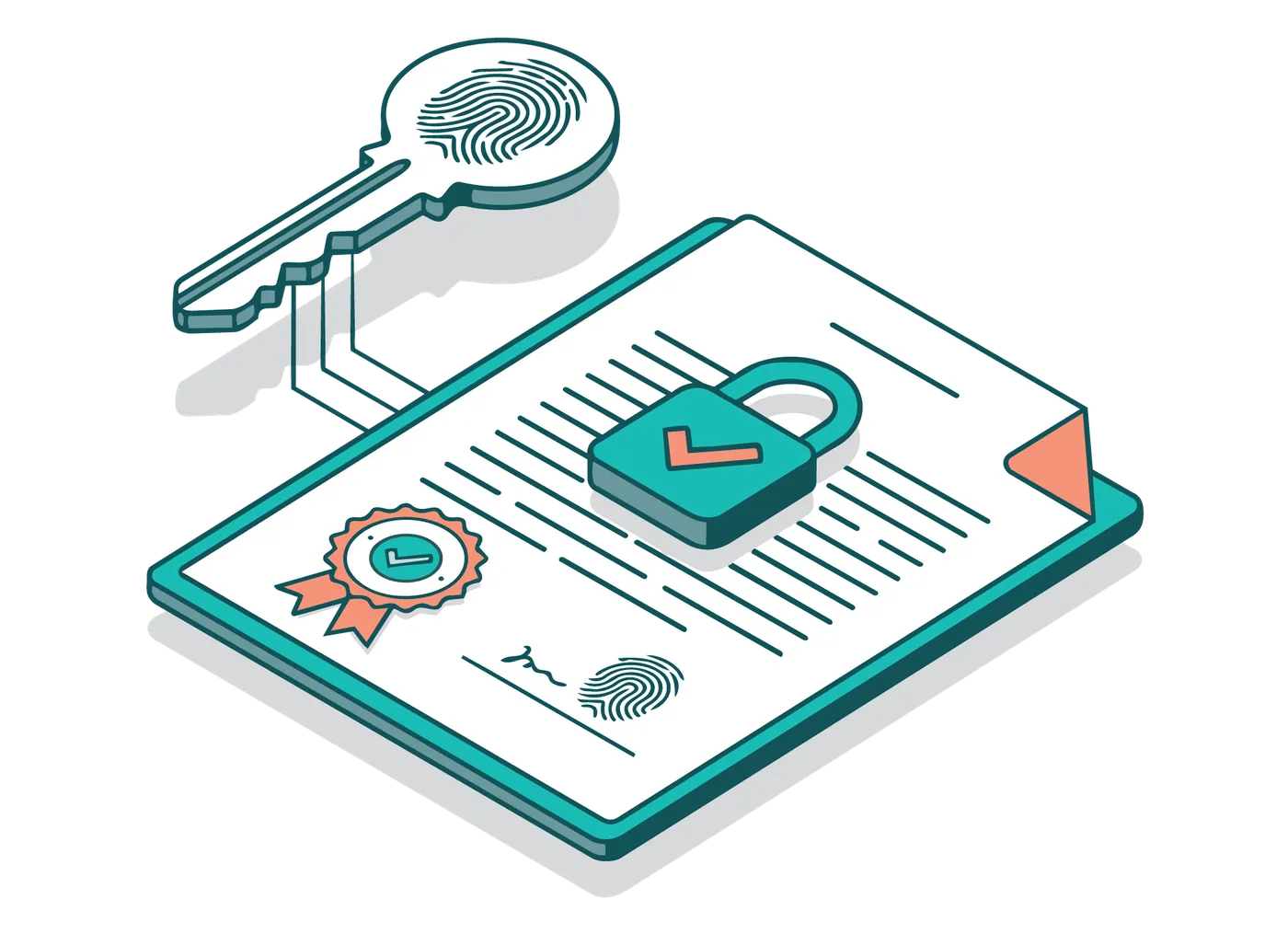
A digital signature is a specific type of electronic signature that uses Public Key Infrastructure (PKI) cryptography to bind the signature to a verified identity. This certificate-based signature creates a tamper-evident seal that confirms who signed the document and that the document has not changed since signing.
A digital seal for licensed architects and engineers forms the electronic equivalent of a physical embossed or stamped seal. The seal is typically applied alongside (or embedded within) certificate-based digital signatures. In some states, a digital signature can fulfill both signature and seal requirements.
Precise terminology is critical. A requirement that specifies a 'digital signature,' in most cases, refers to a PKI-based digital signature, not a simple e-signature tool.
Engineer and architect sign and seal considerations by state
State-specific requirements should be well-understood before submitting stamped or signed documents. Keep in mind that municipal permitting portals may involve stricter requirements that go beyond state board mandates. These portals may also require distinct submission formats.
Disclaimer: Digital signing and sealing guidelines vary by state, profession, and receiving agency, and may change over time. Use the information below as a starting point. Always confirm current requirements with your state board or local permitting agency before submitting documents.
Florida digital signing requirements are among the strongest and most well-clarified. These contain detailed statutory language that applies to both Professional Engineers (PEs) and licensed architects. Florida law requires that any digitally signed document must:
- Be unique to the license holder
- Be verifiable by a third party
- Be under the sole control of the signer
- Be tamper-evident — invalidated if the document is changed after signing
Florida permits electronically signed and sealed documents using PKI digital certificates authenticated by a third-party Certificate Authority.
Many cities and counties (including Miami and Osceola County) now require PKI-based digital signatures for permit submissions.
New Jersey regulations allow architects and engineers to digitally sign and seal documents when the digital signing process meets these criteria:
- Is unique to the licensee
- Is verifiable by a trusted third party
- Is under the licensee's direct and exclusive control
- Is invalidated if the document is altered after signing
- Meets the Digital Signature Standard (DSS) established by NIST
With these standards met, digital signatures and seals carry the same legal authority as handwritten signatures and embossed seals under the New Jersey administrative code.
Missouri regulations define requirements for digital signatures when architects and engineers use them for electronic or digital documents. They should be:
- Unique to the signer
- Verifiable by a third party
- Under the signer's sole control
- Invalidated if the document is changed after signing
Some Missouri agencies use electronic plan review systems that may require verifiable digital submissions. Kansas City, for example, has moved to electronic plan review.
When documents are signed using a digital signature, Tennessee law and board rules require that the digitally signed and sealed documents must:
- Be unique to the license holder
- Be verifiable by a third party
- Be under the sole control of the signer
- Be invalidated if the document is altered after signing
Tennessee agencies and municipalities (including Nashville's Codes Administration and the Tennessee Department of Environment & Conservation) use electronic submission systems that may require digitally signed and sealed documents
Connecticut regulations permit digital signatures on electronic documents submitted by licensed architects and engineers when the signing process:
- Is unique to the license holder
- Is verifiable by a third party
- Is under the sole control of the signer
- Is invalidated if the document is altered after signing
- Meets the Digital Signature Standard (DSS) established by NIST
Connecticut guidance for building officials cautions that scanned seals and signatures pasted into PDFs may not meet digital signature requirements unless backed by a verifiable digital certificate.
Under California state law, a digital signature holds the same "force and effect" as a traditional, handwritten signature if it:
- Is unique to the signer
- Is capable of independent verification
- Is under the sole control of the signer
- Is linked to the document so that any subsequent change invalidates the signature
- Conforms to regulations adopted by the California Secretary of State
The California Secretary of State defines acceptable digital signature technologies, but no longer maintains a public list of approved certificate authorities. Requirements may vary by public entity and local submission portal.
These standards can apply to documents submitted to public entities, including local building departments. San Jose and Oakland have implemented electronic plan and document submittal guidelines that reference these standards.
The New York State Education Department's Office of the Professions permits the use of electronic seals and signatures by licensed engineers and architects, provided they:
- Clearly identify the licensed professional
- Are applied under the direct control of the licensee
- Indicate professional responsibility for the work
- Comply with New York Education Law and
- Commissioner's Regulations
New York does not mandate a single signing technology, and acceptance may vary by agency or receiving party. Certificate-based digital signatures can help support authenticity, accountability, and document integrity where electronic seals and signatures are accepted.
Get started with Document Signing Certificates from Sectigo
Sectigo helps architects, engineers, and A&E firms meet strict digital signing requirements for electronic submissions. Adopt a secure, streamlined process for signing and sealing documents with no IT expertise required.
Follow these steps to get started:
Confirm requirements
With your state board and the local permitting agency receiving your submissions.
Choose the right Sectigo Document Signing Certificate
Professional for individual licensees, Enterprise for firms or teams.
Complete identity verification
Sectigo will provide the required verification steps and confirm the information needed to issue your certificate.
Set up your certificate
For document signing using the included FIPS-compliant hardware token.
Apply your digital signature
And professional seal where required in your submission documents.
Validate the signed document
To confirm the signature is visible and trusted.
Why organizations rely on Sectigo

The market leader
Sectigo is the market leader in SSL/TLS certificates, DevOps, IoT, enterprise-grade public key infrastructure (PKI) management, and multi-layered web security.

Over 700,000 customers
Businesses worldwide rely on Sectigo for solutions ranging from SSL certificates to our award winning certificate management platform, Sectigo Certificate Manager.

Security at scale
Sectigo has issued over 1 billion certificates and currently secures more than 57 million active certificates, ensuring trust and security worldwide.

24/7 full service support
Offering customers 24/7 support and a money-back guarantee, Sectigo is the obvious choice for best-in-class customer service.